
AI Tools for Content Creators in 2026: Best AI Tools for Content Creation
AI tools for content creators are now part of normal content creation. In 2026, many creators use an ai tool for writing, design, video editing, and research. The right tool for content can save time, reduce repetitive tasks, and help you publish more often.
That does not mean AI should replace your voice. The best results come when you use ai tools for content as helpers, not as a full replacement. A smart creator still checks facts, edits carefully, and keeps the brand voice clear.
In this guide, you will learn how ai tools for content creation work, what to look for, and which tools fit different use cases. You will also see where ai writing, canva’s ai, chatgpt, copy.ai, descript, and surfer seo fit into a real workflow.
If you want a quick place to compare options, start with the main GroupBuyServices tools page. It gives you a simple view of many useful tools in one place.
What AI tools for content creation actually do
An ai tool uses generative artificial intelligence and language models to help with writing, images, audio, and video. It can suggest content ideas, draft text, generate content outlines, and make small edits faster. Some tools also help with seo, social media posts, and visual content.
Most ai content creation tools work from a prompt. You give context, a keyword, or a goal. The tool then produces content based on patterns it learned from large data sets.
That means the output is helpful, but not perfect. A content creator still needs to check accuracy, tone, and originality. Think of AI as a fast assistant, not a full replacement for judgment.
How AI content creation works in simple terms
AI content creation starts with a request. You might ask for blog ideas, a product description, a LinkedIn post, or a rough script for YouTube. The ai assistant looks at your prompt and creates a draft in seconds.
Some tools are text-first. Others focus on image, audio, or video creation. A few support the full workflow, from brainstorming to editing and publishing.
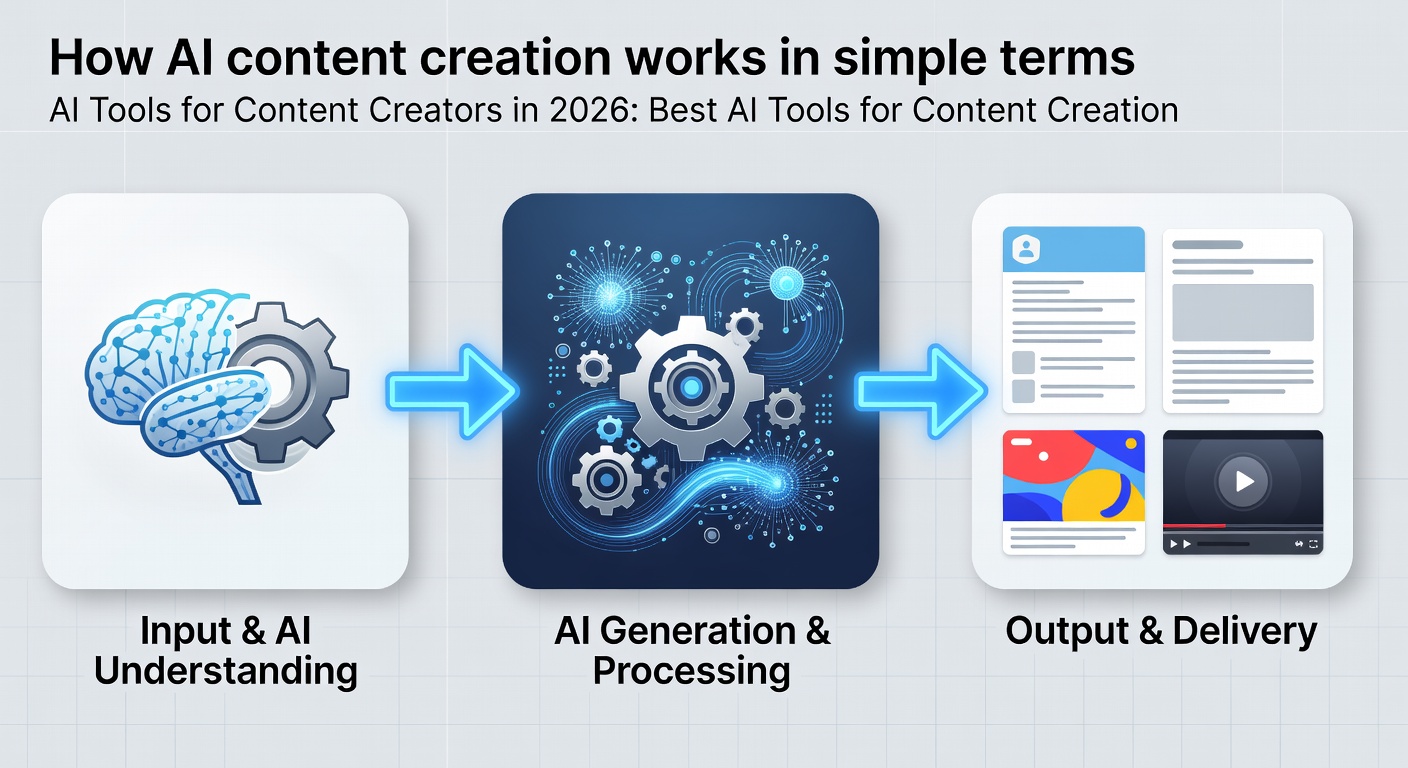
For example, a marketer may use one ai writing tool for blog drafts, another tool for graphics, and another for video editing. This mix is common because one ai platform rarely does everything well.
Why creators use AI in 2026
Creators use AI because content production takes time. Social media content, blog writing, email, and video scripts all need fresh ideas. AI helps you move faster when your brain feels stuck or your calendar is full.
It also helps with automate repetitive tasks. Many creators use AI to write first drafts, rewrite headlines, create content briefs, and make social posts. This frees more time for planning, research, and style choices.
AI is also useful for small teams and solo creators. If you’re a content freelancer, student, marketer, or small business owner, you may not have a big content team. The right ai tool can help you produce scalable content more often without adding more stress.
Key benefits of AI tools for content creators
Faster first drafts
One of the biggest benefits is speed. AI can draft a blog, caption, or email in minutes. You still edit it, but the blank page problem, or writer's block, gets much smaller.
More content ideas
Many creators struggle with writer's block. AI can generate ideas for blog posts, social content, product descriptions, and video content. That makes planning easier and helps you target your audience better.
Better consistency
AI can help you post content consistently. It is useful for creators who need steady output across blog, email, LinkedIn, Instagram, or TikTok.
Support for seo
Some tools help with seo by suggesting keywords, structure, and content briefs. That can make it easier to optimize content for Google without guessing.
Help with visuals and video
Not all AI tools are about writing. Some help create images, graphics, thumbnails, short clips, or even full video creation. This matters for creators who work across audio and video.
Best AI tools for content creation in 2026
There are many strong options, but the right tool depends on your use cases. Below are some of the top ai tools many creators look at first.
ChatGPT for writing, ideas, and general help
ChatGPT is one of the most flexible ai tools for content creators. It can help with brainstorming, outlines, rewrites, blog drafts, social media posts, and email copy.

It works well when you give clear context. If you want a rough guide you can fine-tune later, ChatGPT is a strong place to start. It is also useful for creators who want one ai assistant for many tasks.
For many people, ChatGPT is the first ai tool they test. It is also a good fit for content marketers who need speed and simple idea support.
Copy.ai for content ideas and marketing copy
Copy.ai is popular with marketers and content creators who want fast draft help. It can generate content ideas, social posts, email copy, and short-form marketing text.
It is not just a writing tool. It can also support content workflows for teams that create content across many channels. If you want quick first drafts and template-based writing, it is worth a look. You can see more on the Copy.ai page.
Many users ask how well it handles content ideas. The short answer is that it is strong for starting points. You may still need to rewrite the final version to match your brand voice.
Canva for visual content and simple video editing
Canva is a go-to tool for social media content, blog graphics, presentations, and short videos. It now includes canva’s ai features that help with text, design, and image creation.
Canva is also good for creators who need a simple tool for content and design in one place. It is easy to use, even if you are not a designer. If you need quick visual content, Canva is one of the best ai tools for content creation.
Canva: Is it good for video editing? Yes, for simple edits, captions, and fast social clips. It is not a full studio tool, but it works well for many creators.
Descript for audio and video editing
Descript is a strong ai tool for podcast, screen recording, and video editing. It makes editing feel more like editing text than working on a timeline.
This saves time for creators who publish interviews, tutorials, or talking-head videos. Descript also helps with captions, transcription, and rough cuts. If you want to know more, the Descript page is a useful place to compare access.

Is Descript easy for editing audio and video? Yes, especially for beginners. It is one of the easiest ways to turn recordings into cleaner content.
Surfer SEO for search-friendly writing
Surfer SEO helps creators write content that fits search intent. It looks at keyword use, headings, length, and structure. That makes it useful for blog posts, guides, and landing pages.
If your main goal is seo, Surfer SEO can be a strong partner with ChatGPT or another ai writing assistant. You can draft content with one tool and then check structure with another.
For creators who publish long-form content, this can be a big time saver. It is especially useful when you want to rank for a keyword without making the page feel stuffed.
Grok AI for fast brainstorming and trends
Grok AI is often used for quick idea work, trend checks, and casual drafting. It can help a creator think through topics, hooks, and angles for current events.
It is not always the main writing tool, but it can be useful for content ideas and fast reaction posts. For creators who post on X, LinkedIn, or news-based channels, it can fit well into the workflow.
Ideogram for AI image generation
Ideogram is useful when you want AI image support. It can help generate artwork, concept images, and visual assets for content marketing.
Creators often use ai image tools like this for thumbnails, blog art, or social media content. It is a good choice if your content needs custom visuals and your brand wants a fresh look.
Runway for advanced video creation
Runway (company) is known for AI-powered video creation and editing. It can help with effects, background changes, and text-to-video model features.
This tool is a better fit for creators who spend a lot of time on video content. It is useful for short clips, creative edits, and synthetic media experiments.
ElevenLabs for audio content and voice work
ElevenLabs is strong for voice generation and audio content. Some creators use it for narration, demos, and voiceovers.
It is helpful if you make podcasts, training videos, or explainers. Just be careful with voice rights, brand rules, and disclosure when needed.
Jasper AI for smart content writing
Writers who use jasper ai for content creation can save hours daily. Jasper AI helps with content writing, from blog posts to social media captions. It offers templates and tone controls to make content creation easier.
10 AI tools many creators should know
If you want a short list, here are 10 ai tools that cover most content needs:
ChatGPT for writing and brainstorming
Copy.ai for marketing copy and content ideas
Canva for graphics and simple video creation
Descript for audio and video editing
Surfer SEO for content structure and keyword checks
Grok AI for trend-based idea work
Ideogram for AI image creation
Runway for advanced video content
ElevenLabs for voice and audio
QuillBot for rewriting and proofreading
You do not need all of them. Most creators do better with two or three tools that fit their daily work. If you want a rewriting tool, the QuillBot tool page is worth checking.
Which tool fits which creator?
For bloggers
Bloggers need tools for outlines, seo, editing, and proofreading. ChatGPT, Surfer SEO, QuillBot, and jasper ai can work well together.
For social media creators
If you post daily, choose tools that make social media posts fast. ChatGPT and Copy.ai are strong for text, while canva’s ai helps with visuals.
For video creators
Creators who focus on YouTube or short clips may prefer Descript, Runway (company), and Canva. These tools help with video editing, thumbnails, captions, and rough cuts.
For content marketers
Content marketers often need blogs, ads, email, landing pages, and reports. They may use ai tools for content writing and seo together to save time across campaigns.
For students and freelancers
Students and freelancers often want free ai or a free trial first. That makes sense if you’re a content creator testing the tool before paying. Start small and see if the output matches your style.
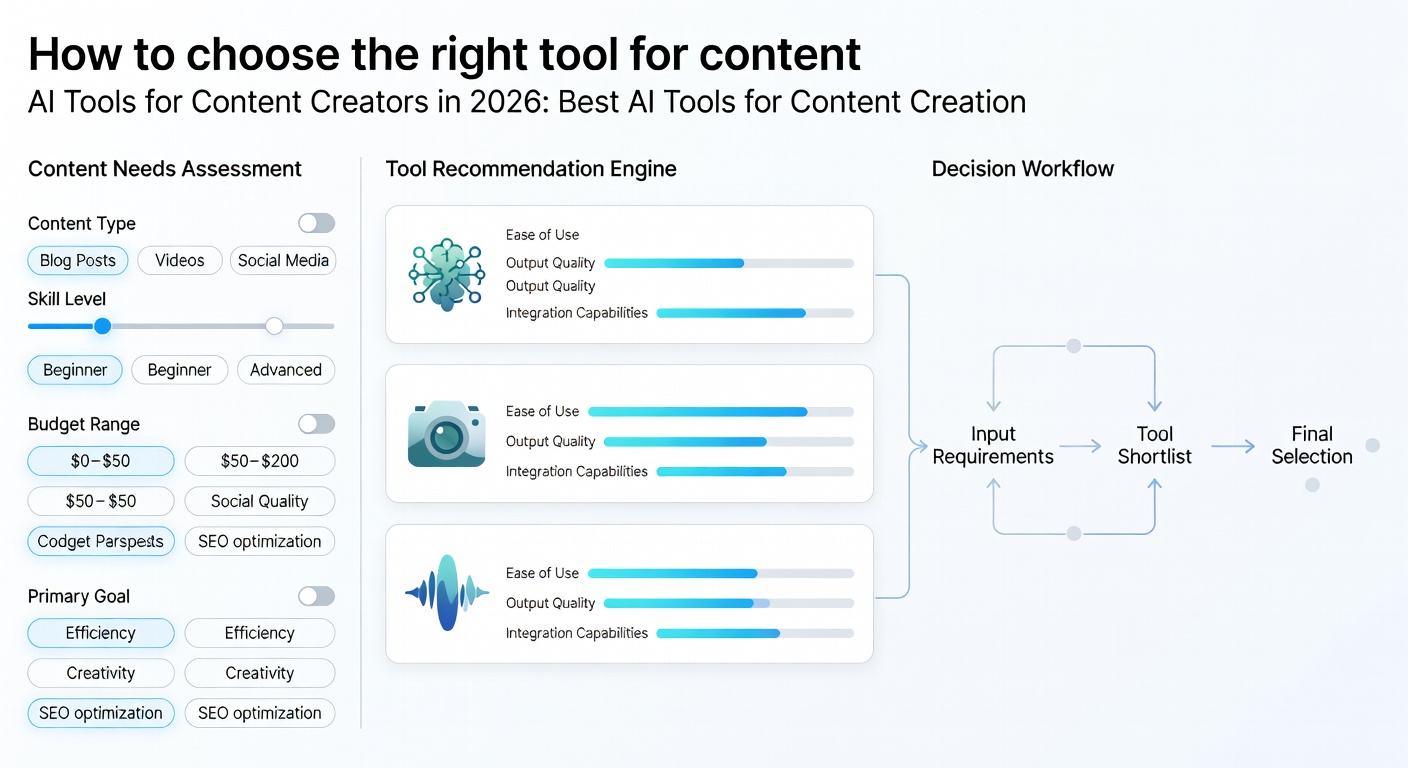
How to choose the right tool for content
The right tool depends on what you create most often. A creator who writes blogs has different needs from someone who makes TikToks.
Ask these simple questions before you buy or commit:
Do I need writing, visuals, or video support?
Will it save time on automate repetitive tasks?
Does it fit my brand voice?
Does it support my seo work?
Can I use the free version or free plan first?
If a tool cannot help with your main work, skip it. Many creators sign up for too many apps and then use only one or two.
Use cases for AI tools in real workflows
Here are common use cases that show how creators use ai tools for content in real life.
Blog workflow
A creator might use ChatGPT for brainstorming, Surfer SEO for structure, and QuillBot for proofreading. This creates a cleaner workflow from idea to final draft.
Social media workflow
A marketer may write hooks in ChatGPT, create graphics in Canva, and then schedule posts later. That helps keep social content moving without spending the whole day writing.
Video workflow
A YouTuber may draft a script with an ai writing assistant, record the video, then edit in Descript. Canva can help with thumbnails and lower-thirds.
Podcast workflow
A podcast creator may use AI for show notes, transcriptions, and audio cleanup. ElevenLabs can help with voice content when needed.
What is the 10 20 70 rule for AI?
The 10 20 70 rule is a simple way to think about AI use. The exact version can vary, but the idea is the same: keep human judgment in charge.
A common version means 10% prompt setup, 20% AI draft work, and 70% human editing, checking, and final polish. This is helpful for content creation because it keeps quality high.
If you use AI too much without review, your content may sound flat or ভুল. Good creators use ai tools for content as a helper, then shape the result with their own voice.
Can AI tools write content without a human?
Technically, yes. AI can produce text without a person editing every line. But that does not mean it should be used that way for important work.
For blogs, brand pages, product descriptions, and social content, a human should review the final piece. AI can miss facts, make awkward lines, or sound too generic.
For content without human review, risk goes up. You may get weak quality, wrong details, or a voice that does not fit your brand.
Are AI writing tools suitable for professional writers?
Yes, but only as support. Professional writers often use ai writing tools to brainstorm, outline, rewrite, and check tone. They do not usually copy the output as-is.
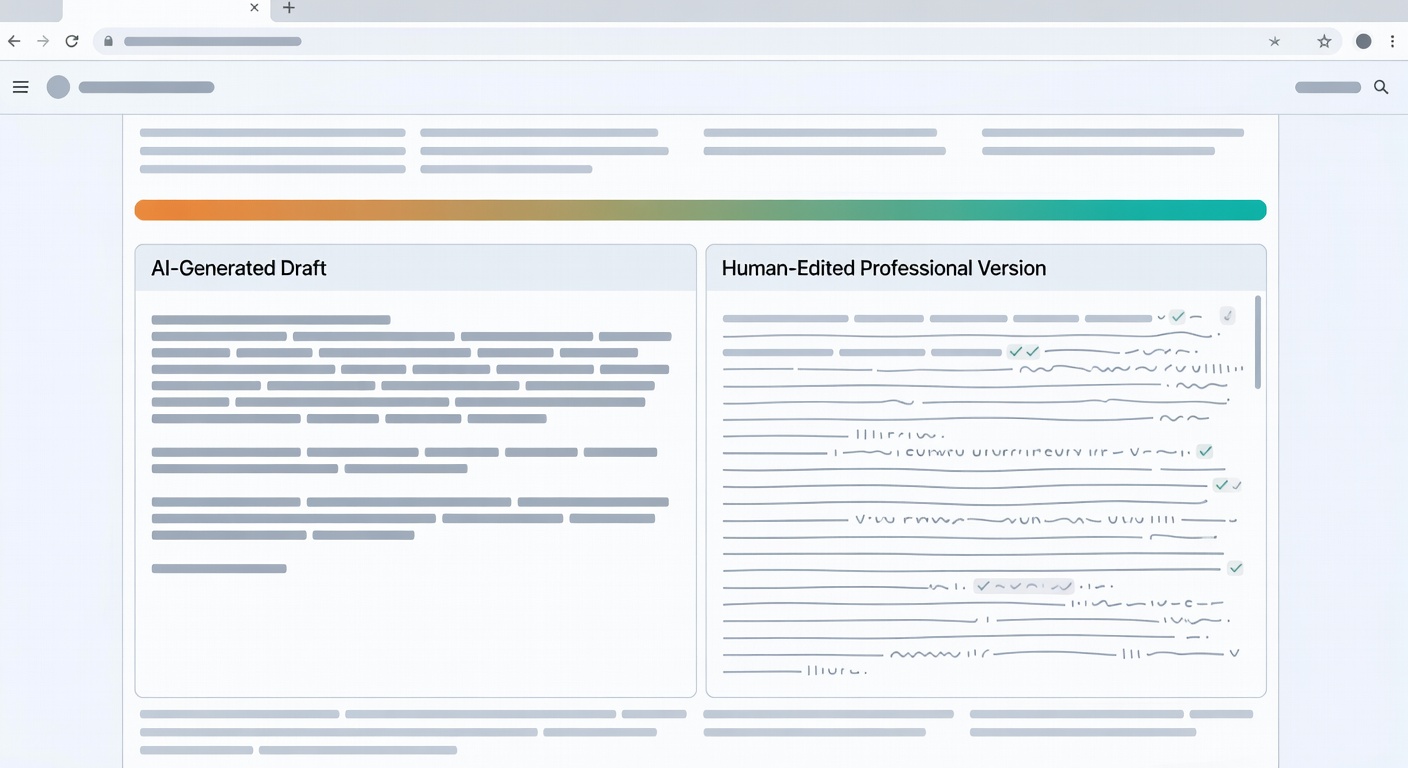
A good writer knows when AI helps and when it hurts. If a draft sounds flat or too broad, the writer still needs to reshape it.
So, are AI writing tools suitable for professional writers? Yes, if the writer stays in control. The tool should save time, not remove skill.
Which AI tool is best for social media content?
The answer depends on the job. For writing social media content, ChatGPT and Copy.ai are strong choices. For visuals, canva’s ai is a top pick.
If you want one tool for social content planning, drafting, and simple design, Canva often wins for beginners. If you want more text options and hooks, ChatGPT may be the better ai tool.
Many social teams use both. One handles text, and the other handles visual content.
Claude vs. ChatGPT: Which one is Best?
Many creators ask this because both tools are strong. ChatGPT is often better for broad content work, fast drafts, and tool support across many use cases.
Claude is often liked for long text, careful reading, and smoother tone in some drafts. If your work includes long-form content, you may want to test both.
Which is best depends on your style. If you want a flexible general ai assistant, start with ChatGPT. If you care about reading long files and softer tone, test Claude too.
What are the AI tools for content creation?
AI tools for content creation include writing tools, design tools, video tools, audio tools, and seo tools. Some tools help create content from scratch. Others help edit, rewrite, or check work.
Examples include ChatGPT, Copy.ai, Canva, Descript, Surfer SEO, Runway (company), ElevenLabs, QuillBot, Grok AI, Ideogram, and jasper ai. Together, they cover most content production needs.
If you’re a content creator, the best ai tools are the ones that fit your daily tasks. A tool is only useful if it saves time or improves quality.
Best AI content creation tools by task
For writing
ChatGPT, Copy.ai, QuillBot, and jasper ai are useful for content writing needs. They help with drafts, rewrites, and proofreading.
For seo
Surfer SEO is one of the better choices for search engine optimization work. It helps shape content briefs and on-page structure.
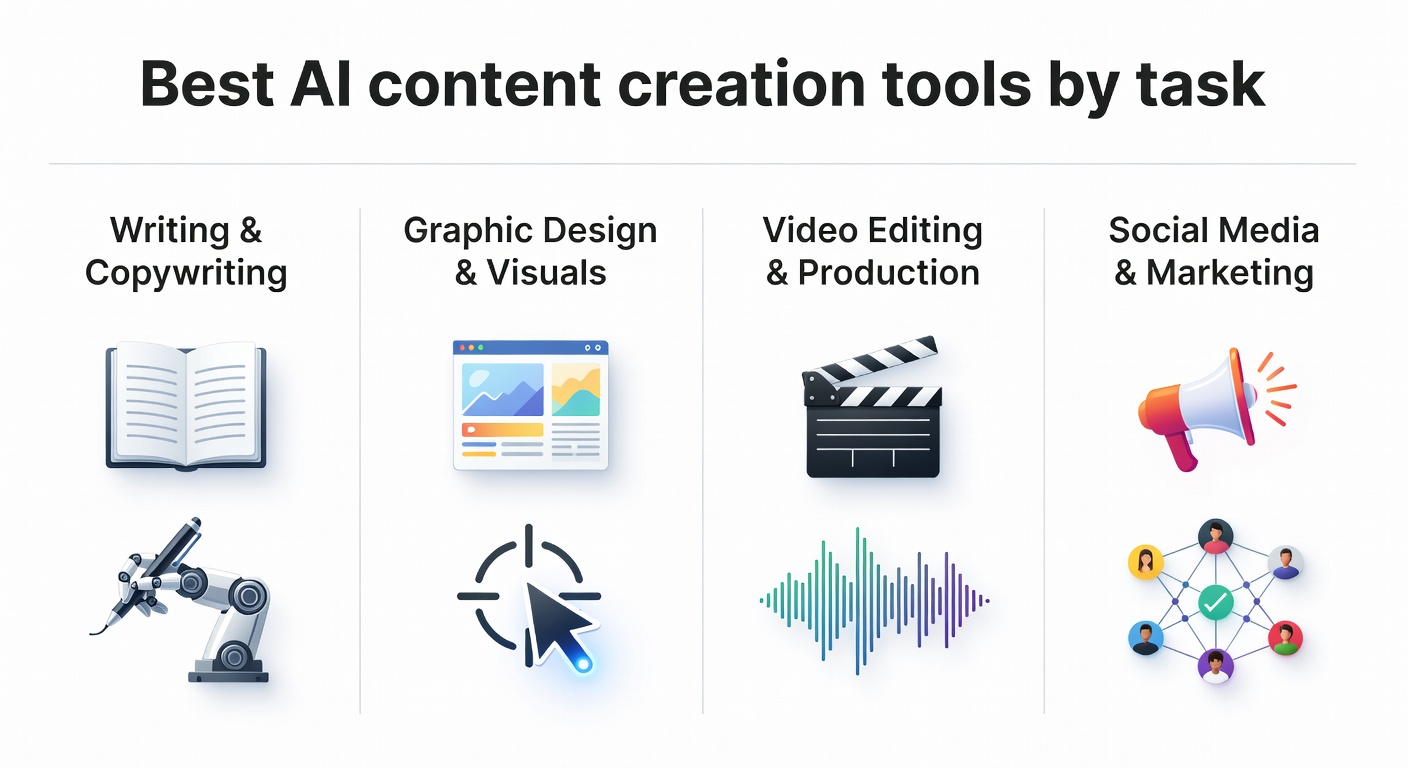
For design
Canva and Ideogram are strong for graphics and ai image work. They are good for thumbnails, brand posts, and social media content.
For audio and video
Descript, Runway (company), and ElevenLabs help with video editing, captions, voice, and audio content. These tools matter for creators who publish across YouTube, podcast, and short video platforms.
Alternative Tools
Some other AI tools that creators
Practical Buying and Usage Tips
Before you choose a ai tools for content creators plan, check a few practical points. These tips help you compare price, access, support, and daily use without making the article feel like a keyword list.
Features and Daily Use
Tools to help: Tools to help should help with real daily work, such as research, planning, tracking, or improving content performance.
Tools can help: Tools can help should help with real daily work, such as research, planning, tracking, or improving content performance.
Extra Points to Compare
Content generation: Content generation is worth checking when you compare whether the AI tools for content creators plan fits your daily workflow.
Content strategies: Look at how Content strategies works in practice, not just whether the feature name is listed on the page.
Produce content: If Produce content is important for your work, confirm the access rules before you buy the plan.
AI-generated content: AI-generated content can add value when it helps you save time, make better decisions, or improve your content quality.
AI-powered content: AI-powered content is worth checking when you compare whether the AI tools for content creators plan fits your daily workflow.
Original content: Look at how Original content works in practice, not just whether the feature name is listed on the page.
High-quality content: If High-quality content is important for your work, confirm the access rules before you buy the plan.
Upload original content: Upload original content can add value when it helps you save time, make better decisions, or improve your content quality.
Helpful Links Before You Choose
Before you buy, it is smart to compare the main service, related tools, access rules, and support options. These links can help you make a safer choice.
RenderForest can help you compare related options before you choose a plan.
premium tools collection can help you compare related options before you choose a plan.