
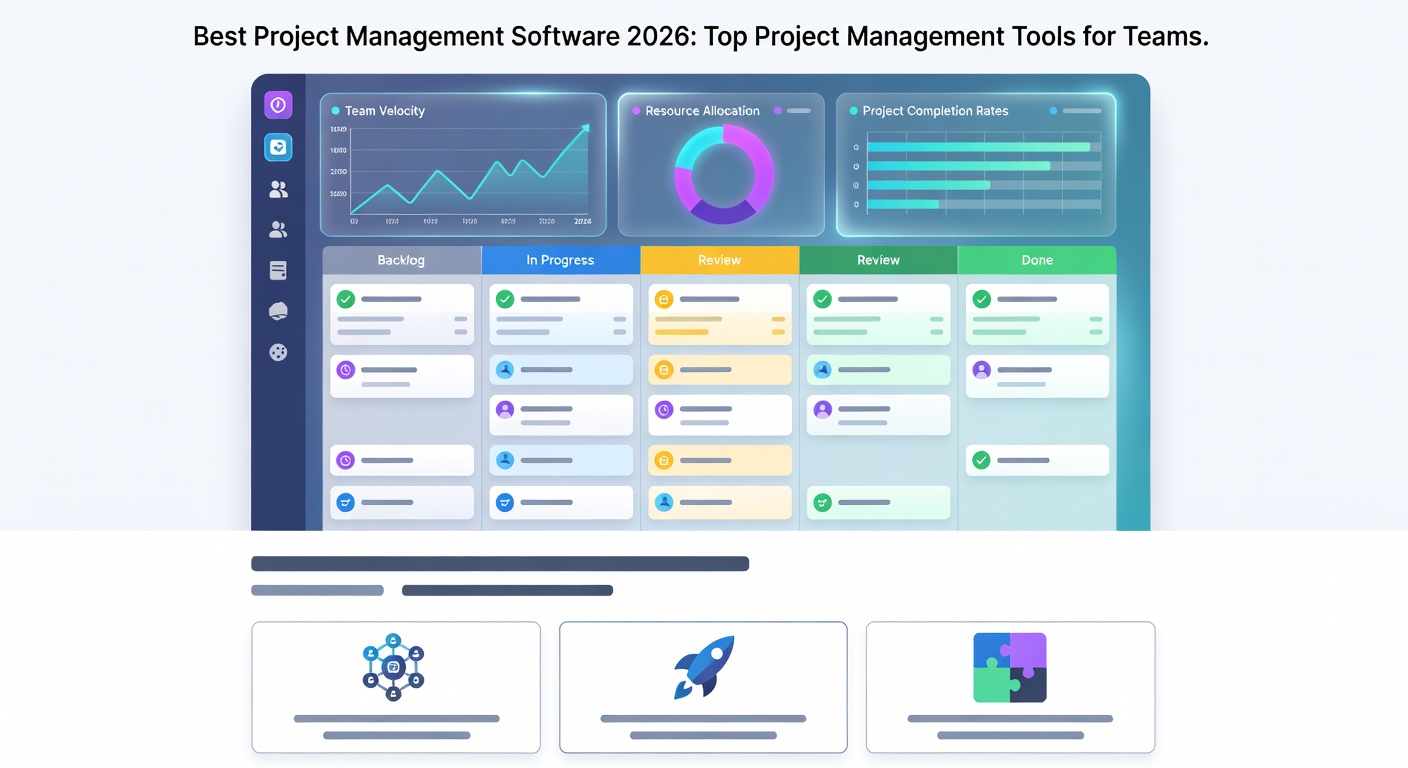
Best Project Management Software 2026: Top Project Management Tools for Teams
Picking the best project management software is not just about features. It is about how your team works every day.
A good project management tool helps you manage projects, track project progress, assign tasks, and keep everyone on the same page. It also gives you better visibility into deadlines, workload, and project status.
In 2026, teams want more than a simple task list. They want a project management platform that supports collaboration, automation, time tracking, reporting tools, and flexible project views. Some teams need strong agile features. Others want simple kanban boards or a clear Gantt chart.
This guide breaks down the top project management software options for different team types. We will look at strengths, common use cases, pricing value, and what to watch for before you choose.
What project management software does
Project management software helps teams plan work, assign owners, and follow timelines in one place. It replaces messy email threads and scattered spreadsheets.
Most tools include task management, comments, file sharing, reminders, dashboards, and project updates. Many also support automation, custom fields, templates, and integration with tools like Slack or Google Drive.
For a simple example, a project manager can create a project plan, break it into tasks, set due dates, and watch the work move across a kanban board. That makes it easier to spot delays early and adjust the workflow.
Some tools are built for marketing and operations. Others are better for software development teams, where sprint planning, agile boards, and project tracking matter more.
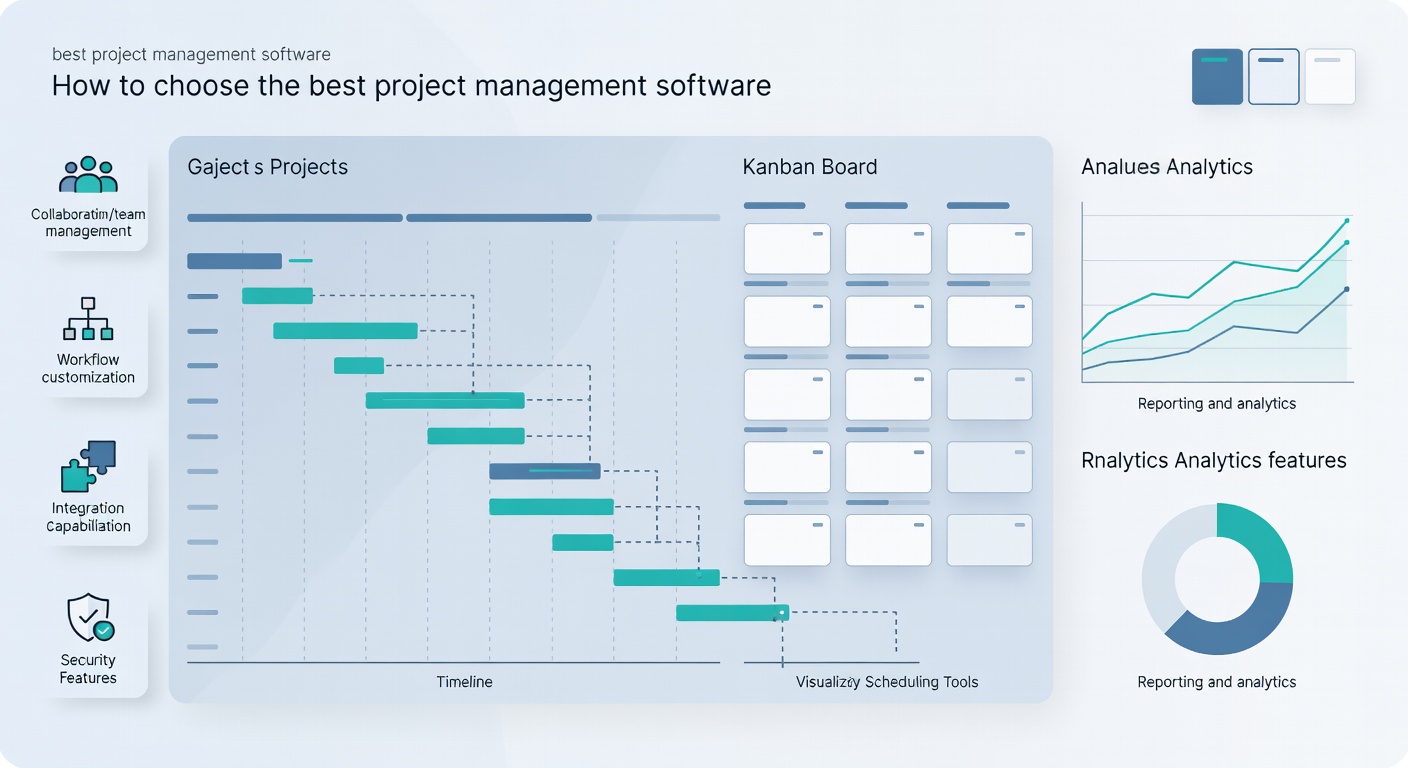
How to choose the best project management software
The best project management choice depends on your team size, budget, and daily work style. A small team may want a clean setup and a free plan. A larger team may care more about workload, resource planning, and portfolio management.
Here are the main things to check before you decide.
Ease of use
If a tool feels hard on day one, your team may stop using it. Look for simple onboarding, clear menus, and a dashboard that makes sense fast.
Task management and project views
Good task management software should let you switch between list, board, calendar, and timeline views. Some teams need a kanban board. Others need a gantt chart for project timelines.
Automation and integration
Automation can save time on repeat work, like moving tasks, sending alerts, or updating project status. Integration matters too, since most teams use email, Slack, Google, or file tools every day.
Reporting tools and dashboard
A useful dashboard shows progress, overdue work, and team workload. Better reporting tools also help you see patterns in project data and improve planning.
Budget and pricing
Check the pricing tier, the free plan, and any limits on users or projects. Also think about setup costs. You may need onboarding time, training, and help moving project documentation from old tools.
Top project management software for 2026
ClickUp
ClickUp is one of the most flexible choices for teams that want many views in one place. It works well for task management, docs, goals, whiteboards, and project tracking.
Its strong point is customization. You can build a workflow that fits marketing, operations, product, or software development. It also offers automation, templates, custom fields, and a useful dashboard.
ClickUp is a strong option for teams that want one management solution instead of several tools. It may feel busy for beginners, but it gives a lot of control.
Asana
Asana is a popular choice for teams that want clean project management and easy team collaboration. It is known for simple task management, clear project views, and easy onboarding.
Asana is a good fit for small teams, marketing teams, and cross-functional groups. It supports automation, templates, and integration with many common tools.
One thing teams ask about is Asana invoicing. Asana is not a billing tool. It helps with project work, but you will need separate software for invoices.
Monday.com
Monday.com is a visual work management platform with strong customization and colorful dashboards. It is helpful for teams that want to see work status at a glance.
It supports project management features like automations, timelines, forms, and custom fields. Many teams like it for business operations, client work, and team collaboration tools.
If your team wants a visual system and easy status tracking, Monday.com is worth a look.
Wrike
Wrike is built for teams that need stronger control over projects, approvals, and reporting. It works well for larger teams and groups with many moving parts.
Wrike supports gantt chart planning, workload views, automation, and project management software features for shared work. It is useful for marketing teams, PMOs, and teams that manage several projects at once.
Wrike also fits teams that want more structured project management process support. It is not the simplest tool, but it can handle more complex work.
Smartsheet
Smartsheet is a strong choice for spreadsheet lovers who want more than a table. It feels familiar to people who already use spreadsheets, but it adds automation, dashboards, and project tracking.
This tool is often used for resource planning, project plan building, and work tracking across teams. It is also useful for operations, construction, and other data-heavy work.
If your team likes rows and columns, Smartsheet may feel easier to adopt than a more visual app.
Jira
Jira is a top choice for software development teams and agile project work. It is built for issue tracking, sprint planning, and team workflows that change often.
It supports kanban, agile boards, backlog planning, and detailed project tracking. Jira is powerful, but it can feel heavy for non-technical users.
For development teams, Jira is still one of the most trusted tools in project management software for small and large teams alike.
Trello
Trello is one of the simplest and most easy-to-use project management tools. It uses a kanban board style that works well for beginners and small teams.
You can drag and drop cards across lists, add checklists, use templates, and set basic automation. Trello is a great fit for simple workflows, personal project management, and small projects.
It may not suit complex portfolio management, but it remains a strong free project management option for visual task tracking.
Best project management software by team type
For small teams and startups
Small teams often want low cost, quick onboarding, and easy task management. Trello, Asana, and ClickUp are common starting points.
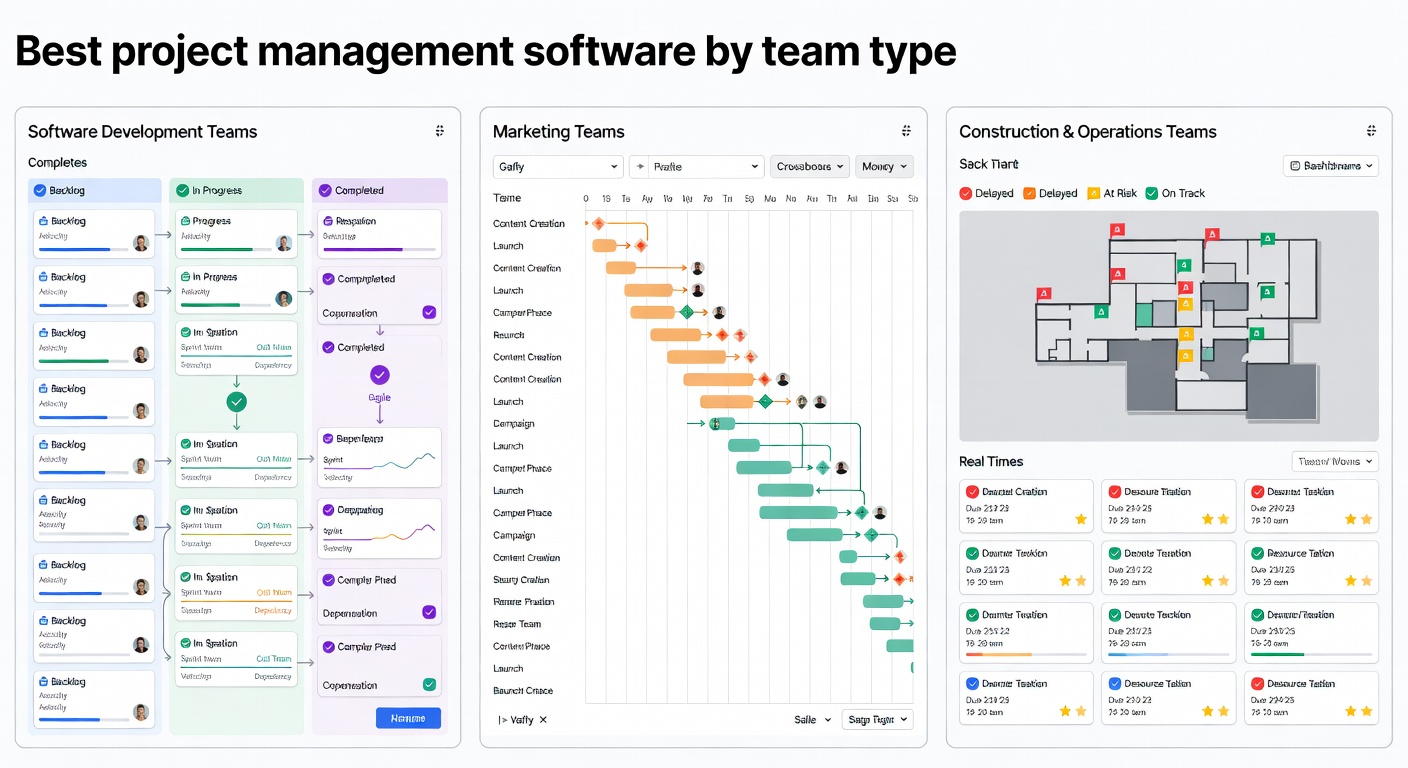
If you need a free plan and simple setup, Trello is easy to learn. If your team wants more structure, Asana may be a better fit. If you want more flexible project views, ClickUp can grow with you.
For software development teams
Development teams usually need agile boards, sprint planning, and issue tracking. Jira is the most common choice here.
Some software teams also use ClickUp or Wrike if they want more than code-focused project tracking. The right choice depends on how much reporting, capacity planning, and cross-team collaboration you need.
For marketing and creative teams
Marketing teams need a project management tool that handles approvals, deadlines, and team collaboration. Monday.com, Asana, and Wrike often work well here.
These tools help manage projects, track campaign work, and keep content moving through each stage of the workflow. A dashboard also makes it easier to check project status quickly.
For operations and business teams
Operations teams often need more structure, reporting tools, and resource management. Smartsheet and Wrike are strong choices.
They help with project plan building, workload review, and project updates. They also support teams that care about data, budgets, and clear ownership.
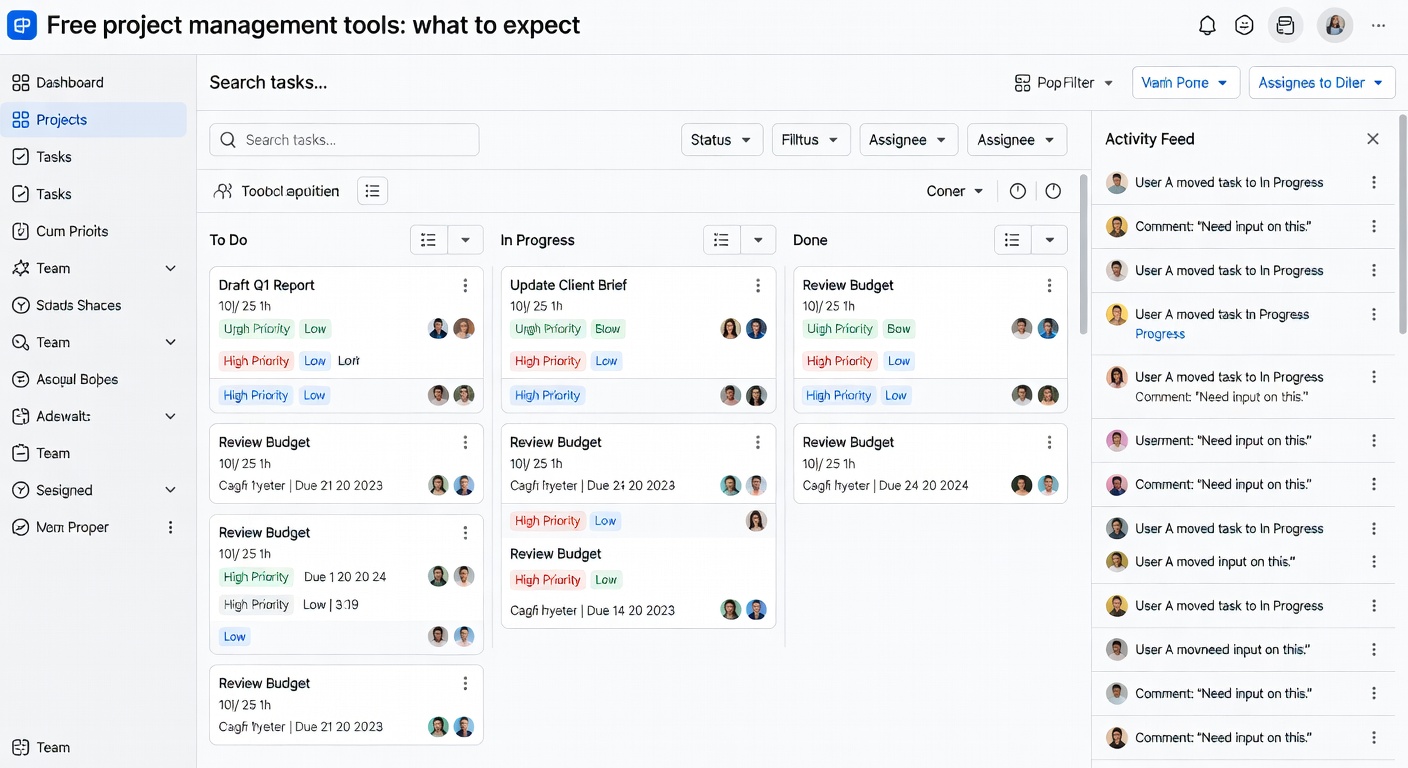
Free project management tools: what to expect
Yes, there are free project management tools. In fact, many of the top project management software products offer a free plan or free trial.
A free plan is useful for small teams, solo users, or early-stage businesses. It can help you test a tool before paying for more users, storage, or advanced features.
But free plans usually have limits. You may see limits on users, automations, dashboards, integrations, or project history. That is normal.
If you need the best free project management software, start by checking how many people can use it and what the free tier includes. Trello, Asana, and ClickUp are common free project management options.
Project management features that matter most
Not every tool needs every feature. But these are the ones many teams use most often.
Task management
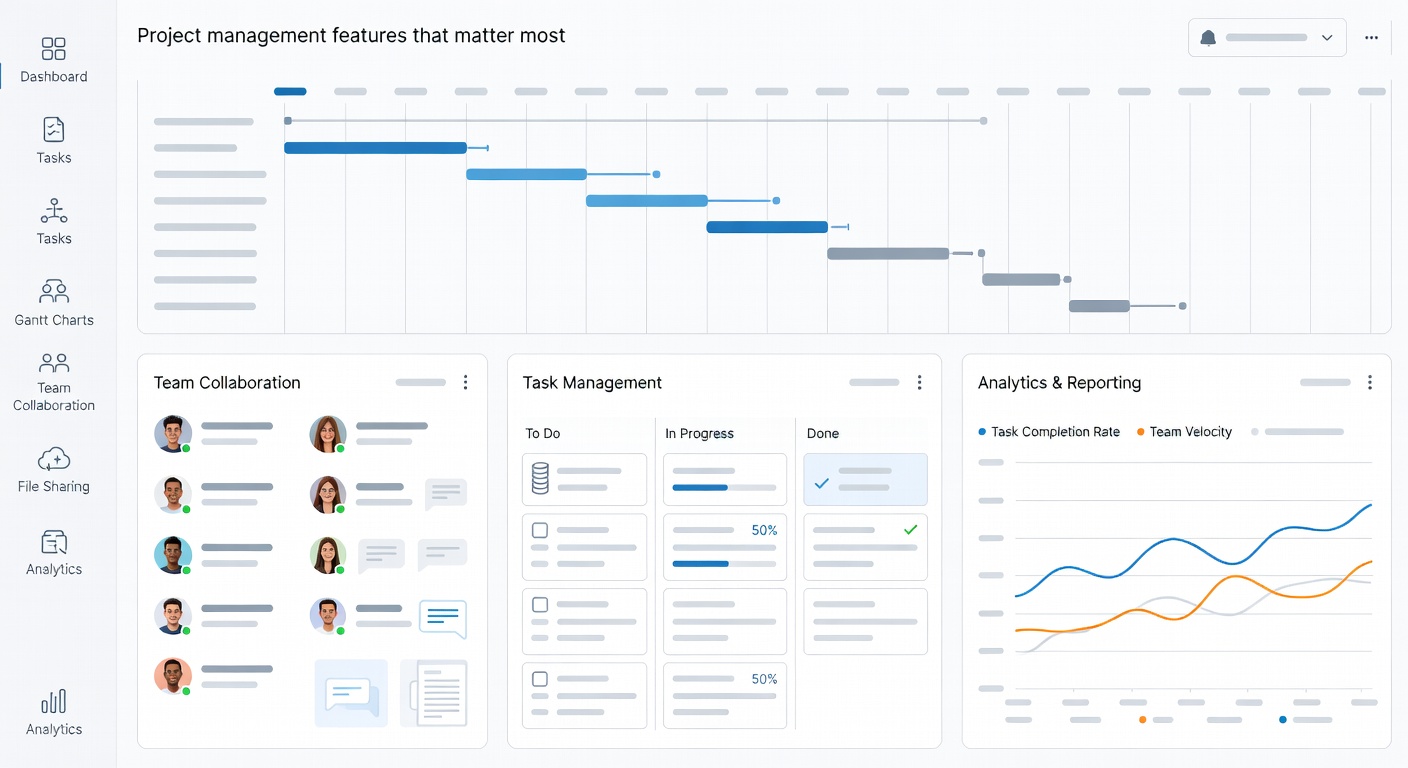
Task management is the core of any good project management tool. It should be simple to create tasks, set due dates, assign owners, and add notes.
Kanban and list views
A kanban board works well for teams that like drag and drop work status updates. List views are better for people who want a clean checklist style.
Gantt chart and timelines
A gantt chart helps with project timelines and dependencies. It is useful when one task must finish before another starts.
Templates
A template saves time when you repeat the same project more than once. Many teams use templates for launches, onboarding, content, and client work.
Workflow automation
Automation reduces repeat clicks. It can move cards, assign work, and send alerts based on simple rules.
Custom fields
Custom fields help you store useful project data, like priority, budget, stage, or owner. This is helpful when one project management process does not fit every team.
Time tracking
Time tracking helps teams see how long work takes. It is useful for billing, planning, and checking workload across a team.
How to get your team to use the tool
Buying software is the easy part. Getting people to use it every day is the real test.
Start with one clear workflow. Do not ask the team to move every old process at once. Pick one project, one dashboard, or one board to begin.
Keep the setup simple. If the tool has too many rules, people may go back to email and spreadsheets.
Assign a project manager or team lead to check progress each week. That person can answer questions, clean up the board, and make sure updates are posted.
Training also matters. A short onboarding session is often enough to get started. Later, you can add custom fields, automation, and more advanced views.
Are spreadsheets still good for project management?
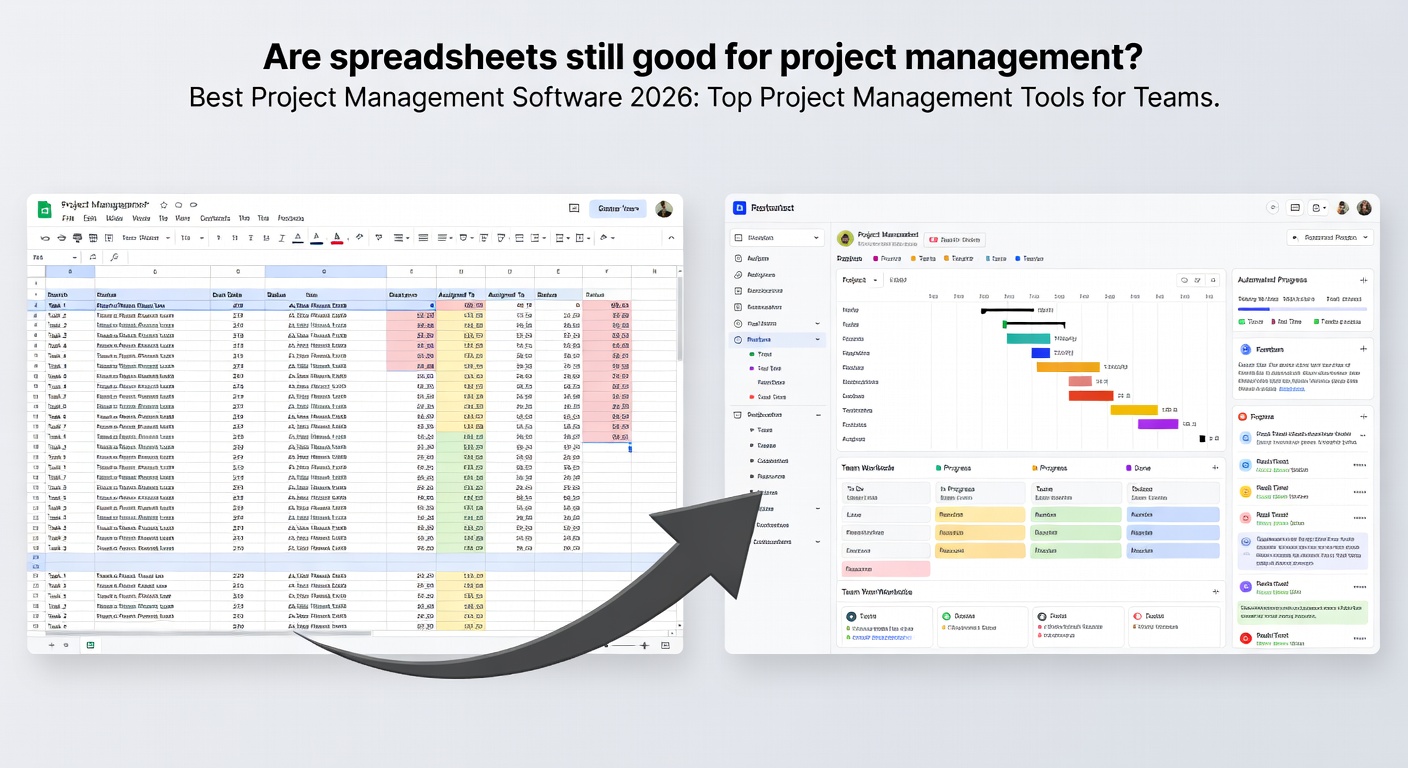
Yes, a spreadsheet can still work for simple project management. Some teams like the control and flexibility of a table.
But spreadsheets can become hard to manage as the project grows. They do not always handle comments, file sharing, team collaboration, or workflow updates as well as a real project management platform.
If you are a spreadsheet lover who cannot imagine managing projects without a table, Smartsheet may be a good middle ground. It keeps the sheet feel, but adds better project tracking and reporting.
Project management software comparison at a glance
Here is a simple way to think about the top tools:
Trello is best for simple boards and small projects. Asana is strong for clean team collaboration and easy setup. ClickUp is best for flexible project views and custom workflows.
Monday.com works well for visual teams. Wrike fits teams that need stronger reporting and approvals. Smartsheet suits spreadsheet users and operations teams. Jira is the clear pick for agile software development.
If you want the top project management tool for your team, focus on fit, not hype. The best tool is the one your team will use every day.
Best project management software and AI
Many tools now use artificial intelligence for summaries, task suggestions, or project updates. This can save time on routine work.
Still, AI will not replace project management soon. A project manager does more than organize tasks. They also handle stakeholder communication, decision-making, risk, and team problems.
So, will PMP be replaced by AI? Not fully. AI may help with planning and reporting, but human judgment still matters.
What are the big 3 in project management?
People often mean three core parts: scope, time, and budget. Some also say the big 3 are planning, tracking, and communication.
No matter which version you use, the idea is the same. Good project management keeps work on track, within limits, and clear for the team.
Best practices for project management safety and smart use
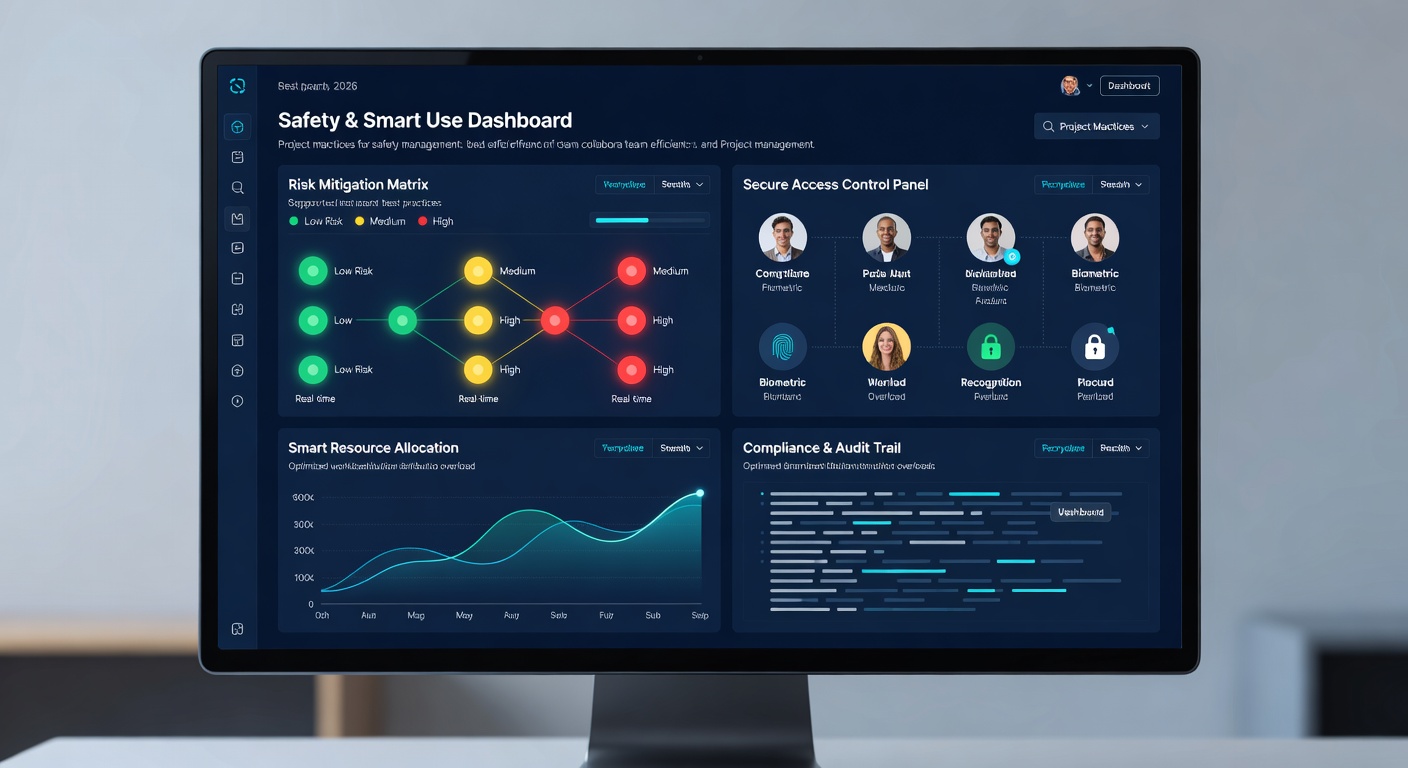
Use role-based access if the tool stores sensitive project data. Not everyone needs to see budgets, private notes, or client files.
Back up important project documentation before you move systems. Check the software vendor’s security page, and confirm how it handles data storage and sharing.
If you work with outside partners, set clear rules for comments, approvals, and file access. This keeps the workflow clean and lowers mistakes.
Also review your internal process before rollout. A tool will not fix a weak project management process by itself.
Helpful external resources
If you want to check the official product pages, start with ClickUp, Asana, or Jira. Their sites list current features, plans, and product details.
If you want a plain-language look at project methods, the Project Management Institute is a trusted source.
Practical Buying and Usage Tips
Before you choose a best project management software plan, check a few practical points. These tips help you compare price, access, support, and daily use without making the article feel like a keyword list.
Who This Option Helps
Small businesses: Small businesses is worth checking when you compare whether the Best project management software plan fits your daily workflow.
Extra Points to Compare
Customizable: Customizable is worth checking when you compare whether the Best project management software plan fits your daily workflow.
Workspace: Look at how Workspace works in practice, not just whether the feature name is listed on the page.
Management system: If Management system is important for your work, confirm the access rules before you buy the plan.
Manage tasks: Manage tasks can add value when it helps you save time, make better decisions, or improve your content quality.
Project management app: Project management app is worth checking when you compare whether the Best project management software plan fits your daily workflow.
AI-powered: Look at how AI-powered works in practice, not just whether the feature name is listed on the page.
Online project management: If Online project management is important for your work, confirm the access rules before you buy the plan.
Management capabilities: Management capabilities can add value when it helps you save time, make better decisions, or improve your content quality.
Helpful Links Before You Choose
Before you buy, it is smart to compare the main service, related tools, access rules, and support options. These links can help you make a safer choice.
premium tools collection can help you compare related options before you choose a plan.
FAQs about the topic
What’s the most popular project management software
Asana, Trello, ClickUp, Monday.com, Wrike, Smartsheet, and Jira are all widely used. The most popular choice depends on team type and size.
Which software is best for project management
There is no single winner. Jira is strong for development teams, Trello for simple boards, and Asana or ClickUp for general team use.
Are there free project management tools
Yes. Trello, Asana, and ClickUp all offer free options, but they come with limits.
What are the big 3 in project management
Many people mean scope, time, and budget. Others mean planning, tracking, and communication.
What is the difference between a product manager and a project manager
A product manager focuses on what to build and why. A project manager focuses on getting the work done on time and within scope.
Asana vs. monday: Which project management software is best
Asana is often easier for clean task tracking. Monday.com is better if you want more visual boards and custom display options.
Are you a spreadsheet lover who can’t imagine managing projects without a table
Smartsheet is a smart choice. It keeps the spreadsheet feel while adding stronger project management features.
Will PMP be replaced by AI
No, not fully. AI can help with routine work, but people still need to lead, decide, and solve problems.
Final thoughts on the best project management software
The best project management software is the one that fits your team’s daily work. For some teams, that means a simple kanban board. For others, it means strong reporting, time tracking, or agile planning.
If you want easy setup, start with Trello or Asana. If you need more control, look at ClickUp or Wrike. If your team lives in spreadsheets, Smartsheet may feel natural. And if you run software projects, Jira is still a strong choice.
Choose a tool that helps your team manage projects without adding more stress. That is what good project management should do.