
SEO Tools for Startups in 2026: Best SEO Tools for Small Business Growth
SEO is still one of the best ways for a startup to get found online. Paid ads can bring quick traffic, but SEO can keep working even after the budget runs out.
This is important for a startup with a tight budget. The right SEO tool helps you find keyword ideas, check ranking changes, spot technical SEO issues, and improve pages that already get traffic.
In this guide, we will look at the best SEO tools for startups and tools for small business growth. You will also learn how to choose tools, when free tools are enough, and where paid tools make sense.
Why SEO still matters for startups in 2026
AI search is growing, but Google still sends a lot of website traffic. People still use search engine results to compare products, read blogs, and find local services.
SEO helps a startup appear in those searches. It also supports content marketing, backlink building, and better product discovery over time.
If you are new to SEO, think of it as a long-term traffic system. You create useful pages, fix your site, and build trust with search engines like Google and Microsoft Bing.
This mix of traditional SEO with AI SEO techniques is becoming common. Combining both can lead to better SEO results for startups.
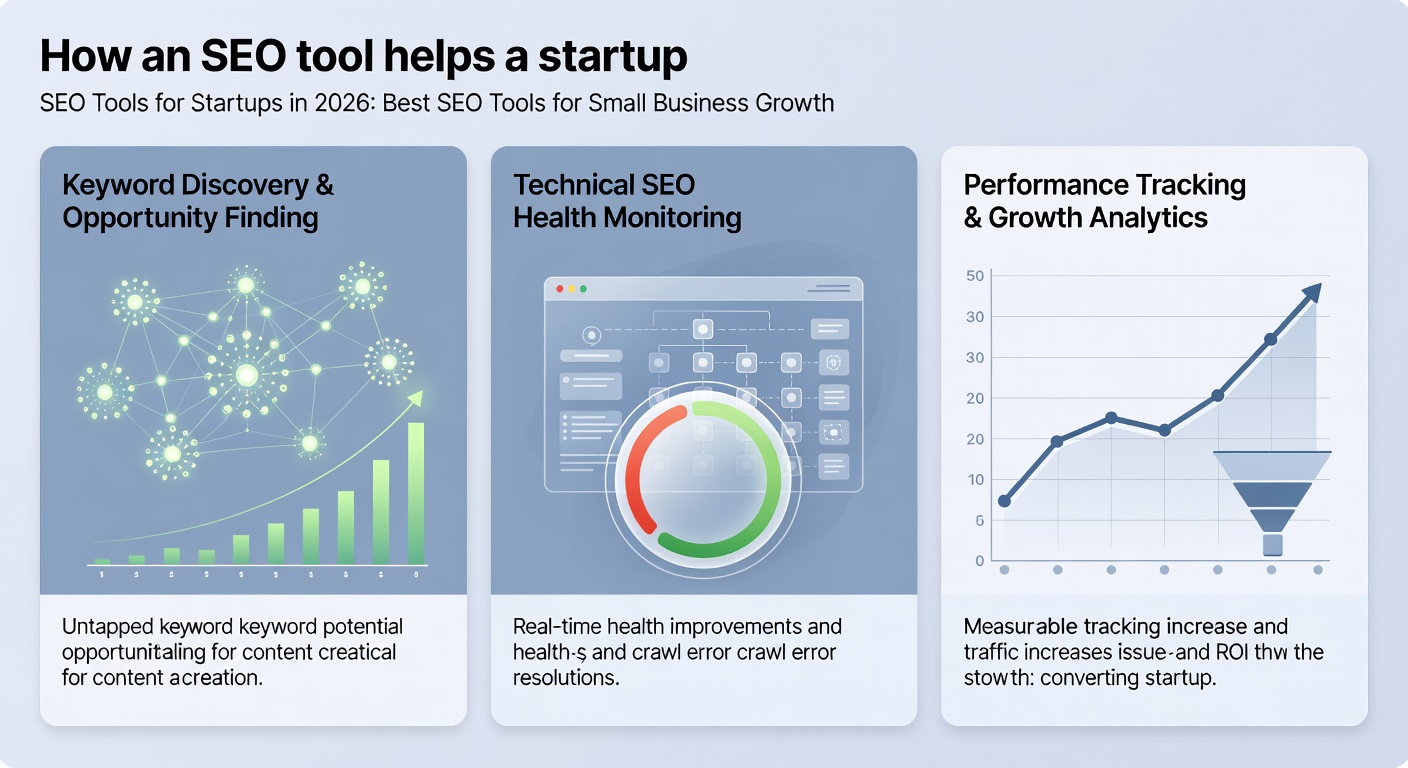
How an SEO tool helps a startup
A good SEO tool saves time and provides clearer SEO data. It lets you see what people are searching for, which pages rank, and where your site needs improvement.
Most startup teams use an SEO tool for four main tasks: keyword research, ranking checks, technical SEO audits, and competitor analysis. Some tools also help with content ideas, link building, and local SEO.
Many founders start with free SEO tools and then add a paid platform later. This is often the easiest way to grow without overspending.

Using automated SEO features in tools can reduce manual work and speed up daily tasks.
What to look for in the best SEO tools
The best SEO tools are not always the biggest names. They are the tools that fit your budget, your time, and your goals.
1. Keyword research
You need a keyword research tool that shows real search volume, intent, and related terms. Good keyword research helps you pick pages that can rank quickly.
2. Rank tracking
Ranking reports show how your pages change over time. This helps you see which SEO efforts work and which pages need more help.
3. Technical SEO checks
A tool should flag broken links, missing meta tags, slow pages, and crawl issues. These technical SEO checks matter because search engines need clean pages.
4. Content help
Some tools suggest topics, headings, and internal link ideas for SEO content. This can help a startup publish faster and keep pages focused.
5. Budget and support
Look at pricing, free trial options, and free plans. A low-cost SEO tool is often enough for a small team.
Best SEO tools for startups and small business owners
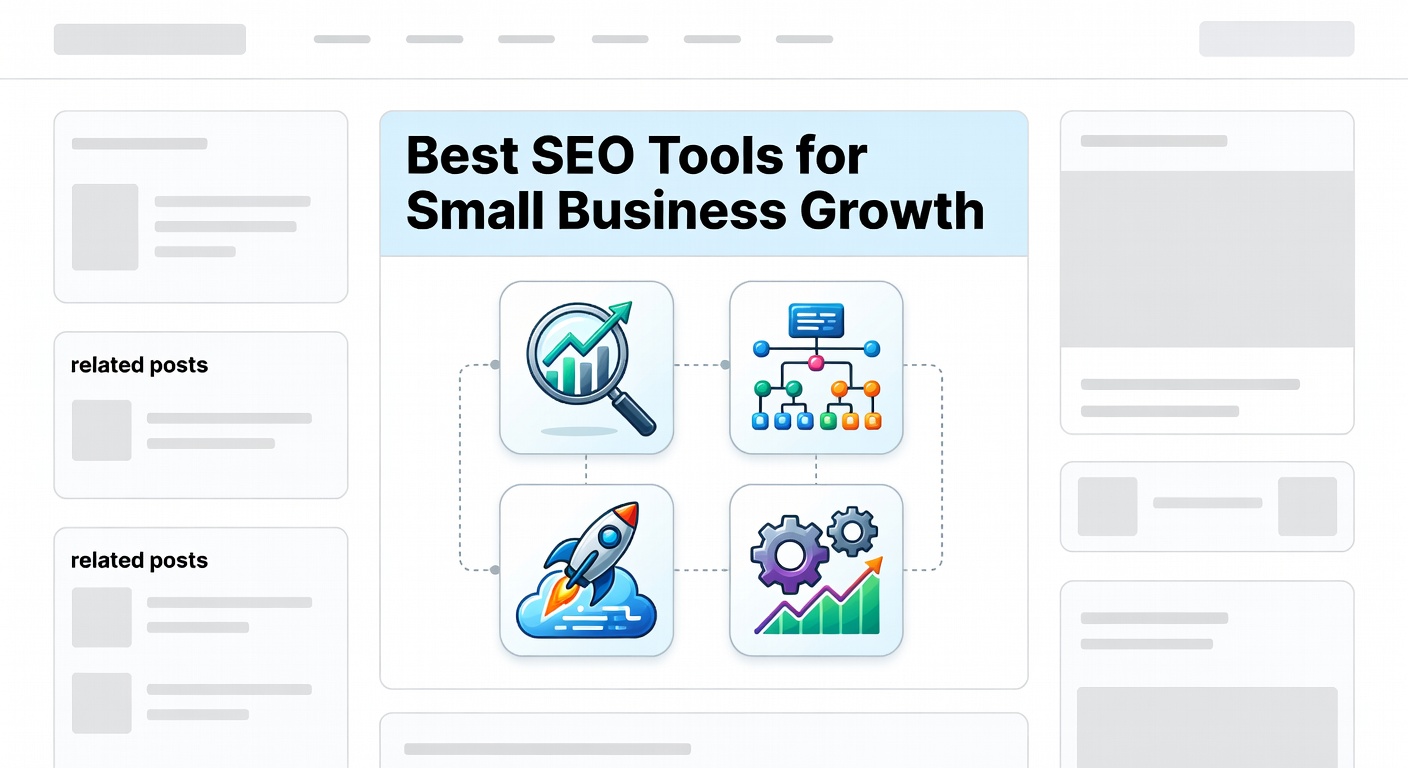
Below are useful tools for small teams. Some are all-in-one SEO tools, while others do one job very well.
Semrush
Semrush is a strong all-in-one SEO platform. It covers keyword research, competitor analysis, site audits, rank tracking, and content planning.
Many SEO specialists like it because it saves time when working across multiple tools. If you want one main SEO toolkit, this is a popular choice.
You can learn more on the Semrush tool page.
Google Search Console
Google Search Console is one of the most useful free SEO tools. It shows search queries, clicks, impressions, coverage issues, and pages that need work.
This is a must-have for startup SEO. It gives first-party data straight from Google, which helps you spot ranking changes early.
Google Analytics
Google Analytics helps you see what visitors do after they arrive. It is not a keyword research tool, but it supports overall SEO and marketing decisions.
Use it with Search Console to connect ranking data with real website behavior.
AnswerThePublic
AnswerThePublic is useful for free keyword research ideas and topic discovery. It shows common questions and search patterns around a topic.
This makes it a handy research tool for blog posts, FAQs, and content planning.
Ahrefs
Ahrefs is well known for backlink and keyword research. It is often compared with Semrush and other enterprise tools.
For a startup, it can be great if your main goal is links, content gaps, and ranking research. However, the price can be high for very early teams.
Tools like Ahrefs normally cost $99-$120/month, but with our group buy, you can get the same access for under $10.
Yoast SEO
Yoast SEO is helpful for WordPress sites. It guides on-page SEO tasks like titles, descriptions, and basic readability checks.
It is not a full SEO software suite, but it is useful for teams that publish a lot of blog content.
Indexification
Indexification can help with faster indexing workflows. This is important when a startup launches new pages and wants them found sooner.
If you publish often, this can support technical SEO work and reduce delays.
You can view the Indexification tool page for more details.
Quillbot
Quillbot is not a classic SEO tool, but it can help with writing and editing. Startups use it to polish drafts, vary wording, and improve clarity.
This can support content creation when your team is short on time.
See the Quillbot tool page for more information.
Best SEO tools for small business growth
Small business owners often need tools that are simple, affordable, and easy to learn. The best tools for small business owners often mix free and paid features.
A small business SEO tool should help with keyword research, Google Search Console review, local SEO, and page fixes. It should also save time for people who are not SEO experts.
For many teams, the best free SEO setup is Search Console, Google Analytics, Yoast SEO, and one keyword research tool. This can cover a lot of SEO tasks at the start.
Free SEO tools vs paid tools
Free tools can go a long way. In many cases, they are enough for a new startup with a small site and a few core pages.
Still, free SEO tools usually have limits. They may show fewer keyword ideas, less ranking data, or fewer technical SEO audits.
Paid tools become useful when your SEO work grows. They help with faster research, deeper competitor data, and fewer manual checks.
Paid tools often include automated SEO features that speed up daily tasks and provide more accurate SEO metrics.
Can free tools alone be enough long-term?
Yes, for some businesses. A local service company or very small startup may stay with free tools for a while.
But as rankings matter more, paid tools can save time and give better SEO data. This is often worth it once you publish frequently.
Do small businesses really need paid SEO tools?
Not always. If your site is small, free plans and free trial offers may be enough at first.
Pay when the tool removes real work or helps you find better ranking chances.
How to choose the right SEO tool for your business
Start with your goal. Do you need more traffic, better ranking, local SEO, or faster content planning?
Then check the tool’s strengths. A startup focused on content may want keyword research and topic ideas, while a service business may want local SEO and technical audits.
Also check how many people will use it. A one-person startup does not need the same SEO features as a larger SEO team.
Consider whether you want a dedicated SEO tool or a broader marketing platform.
Questions to ask before you buy
Does it help with keyword research?
Does it show ranking changes clearly?
Can it find SEO issues on my site?
Is the free trial enough to test it?
Does it work for my budget and team size?
Can I manage everything without switching tools?
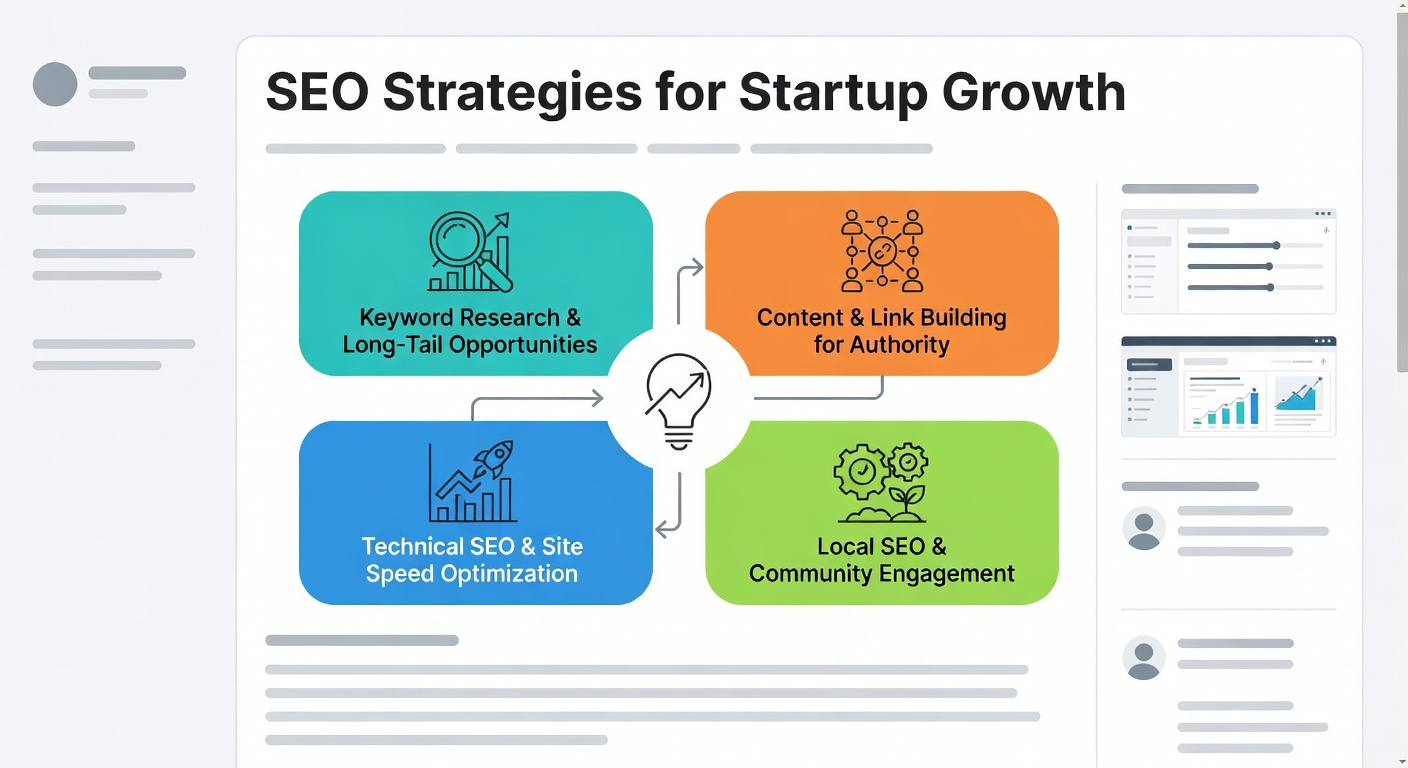
SEO strategies that work well for startups
Good tools help, but SEO strategies still matter most. A startup should focus on pages that solve real problems and match search intent.
Start with a few important pages. Then build supporting blog posts, internal links, and simple link building efforts from useful resources.
For many startup teams, this approach works better than chasing every search term. It gives stronger ranking results over time.
How much time should you spend on SEO each week?
For a small startup, two to five hours a week can be enough to start. That time can cover keyword research, fixing pages, and checking ranking changes.
If you publish more often, you may need more time. The key is to stay regular.
SEO typically works slowly at first, then builds. Most startup teams see early wins in a few weeks, while bigger ranking gains may take months.
How long does SEO take to show results for a startup?
It depends on your site, your topic, and how competitive the search is. New pages may start moving in a few weeks, but strong ranking can take longer.
New startup sites often need time to build trust. That is normal in search engine optimization.
Do not expect one blog post to fix everything. A steady SEO plan usually works best.
SEO vs ads for early-stage startups
Ads can bring quick traffic, but the traffic stops when spending stops. SEO often takes longer, but the traffic can last much longer.
For many early-stage startups, the best choice is both. Use ads for short-term tests and SEO for long-term growth.
If your budget is tight, start with SEO on core pages and one or two ads if needed. This balance can work well.
Google Ads can be a useful addition to your SEO efforts, especially for testing keywords or new offers.
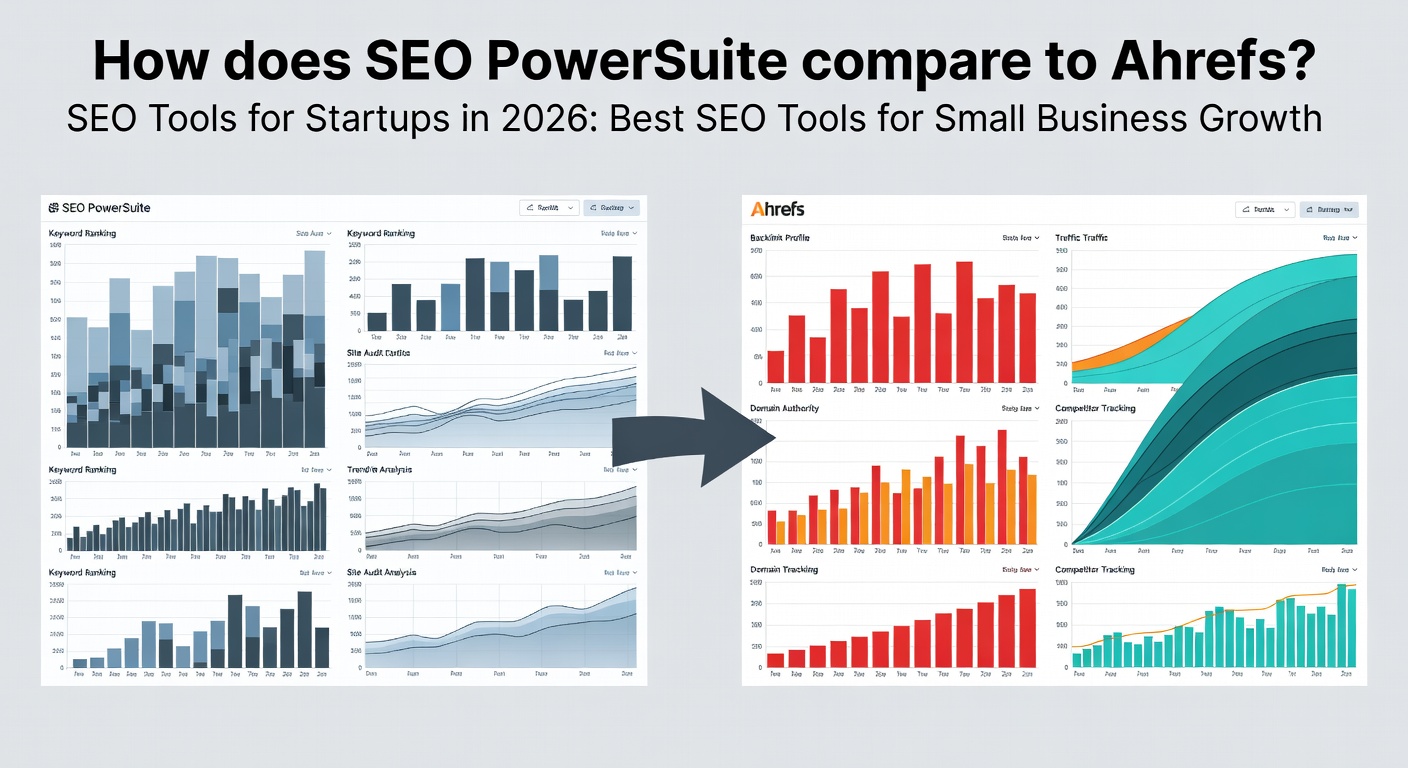
How does SEO PowerSuite compare to Ahrefs?
SEO PowerSuite and Ahrefs both help with SEO research. Ahrefs is often better known for backlinks and keyword research.
SEO PowerSuite can be a useful lower-cost option for rank tracking and audits. It may fit teams that want desktop software and more control.
The right choice depends on your budget and your main SEO tasks. If links matter most, Ahrefs may win. If price matters more, SEO PowerSuite may be enough.

Safe usage tips for startups
Use SEO tools to guide decisions, not to chase every metric. A page with low volume can still bring the right leads.
Do not copy content just because a tool suggests similar terms. Keep SEO content helpful, clear, and original.
Also, watch for tool data gaps. No SEO tool sees everything, so check Google Search Console and analytics too.
Free SEO tools, research tools, and multiple tools together
Many teams use multiple tools instead of one large SEO platform. This can be cheaper and easier to manage.
For example, use Google Search Console for web page data, AnswerThePublic for ideas, and Semrush for deeper research. This mix gives a strong SEO toolkit without too much cost.
If you want one place to explore different options, browse the main tools page.
Alternative Tools You Should Know
Besides the main tools, startups may consider other brands in the SEO space. Tools like Ahrefs are well known, but also look at Bit, a newer option for easy link management.
These options offer different features and price points. Knowing about them helps you find the right fit without switching tools often.
Who should use these SEO tools?
These SEO tools for startups are a good fit for founders, freelancers, bloggers, and small business owners. They also help in-house SEO teams and SEO staff who manage several sites.
If you are new to SEO, start with free tools and basic research tools. If you already know your site needs more work, a paid SEO platform may save time.

Practical Buying and Usage Tips
Before you choose a seo tools for startups plan, check a few practical points. These tips help you compare price, access, support, and daily use without making the article feel like a keyword list.
Price, Plan, and Refund Checks
Free plan: Before choosing a plan, compare the Free plan details, refund rules, and access limits so you know what you are paying for.
Day free trial: Look at how Day free trial works in practice, not just whether the feature name is listed on the page.
Free small business SEO: If Free small business SEO is important for your work, confirm the access rules before you buy the plan.
Features and Daily Use
Marketing tool: Marketing tool should help with real daily work, such as research, planning, tracking, or improving content performance.
SEO knowledge: Look at how SEO knowledge works in practice, not just whether the feature name is listed on the page.
Analysis tool: Analysis tool should help with real daily work, such as research, planning, tracking, or improving content performance.
Technical SEO audit: Technical SEO audit can add value when it helps you save time, make better decisions, or improve your content quality.
Tools for keyword research: Tools for keyword research should help with real daily work, such as research, planning, tracking, or improving content performance.
Webmaster tools: Webmaster tools should help with real daily work, such as research, planning, tracking, or improving content performance.
Local SEO tools: Local SEO tools should help with real daily work, such as research, planning, tracking, or improving content performance.
SEO agency: SEO agency can add value when it helps you save time, make better decisions, or improve your content quality.
Extra Points to Compare
Help startups: Help startups is worth checking when you compare whether the SEO tools for startups plan fits your daily workflow.
Search engine results page: Look at how Search engine results page works in practice, not just whether the feature name is listed on the page.
Startup company: If Startup company is important for your work, confirm the access rules before you buy the plan.
Artificial intelligence: Artificial intelligence can add value when it helps you save time, make better decisions, or improve your content quality.
Helpful Links Before You Choose
Before you buy, it is smart to compare the main service, related tools, access rules, and support options. These links can help you make a safer choice.
RenderForest can help you compare related options before you choose a plan.
FAQs about the topic
AI is the future, so why bother investing in SEO
AI helps with content and search, but people still use Google to compare options. SEO helps your site stay visible in those searches.
What is the best SEO keyword search tool for B2C
For many B2C startup cases, Semrush, Ahrefs, and Google Search Console are strong choices. The right one depends on your budget and your keyword research needs.
Best SEO tool for startup
If you want one tool, Semrush is a strong all-in-one SEO choice. If you want free first, start with Google Search Console and Google Analytics.
Can I do SEO on my own or should I hire someone
You can do basic SEO on your own if you keep the site small. Hire help when technical SEO, content, or ranking work becomes too time-consuming.
Do You Need Both SEO and GEO for Your Website
Yes, in many cases. SEO helps with search engine ranking, while GEO-style local SEO helps nearby customers find you.
How do I choose the right SEO tool for my business
Match the tool to your goal, budget, and time. A startup with content goals needs different features than a local small business.
How does SEO PowerSuite compare to Ahrefs
Ahrefs is stronger for backlink and keyword research for many users. SEO PowerSuite can be a more budget-friendly option for audits and rank tracking.
How much time should I spend on SEO every week
Start with two to five hours a week. Add more time as your content and ranking goals grow.
Is SEO better than running ads for early-stage startups
SEO is better for long-term traffic, while ads are better for quick tests. Many startups use both for the best balance.
Final thoughts
The best SEO tools for startups are the ones you will keep using. A good SEO tool should fit your budget, save time, and help you improve ranking.
Start simple. Use free tools, check Google Search Console, and add one paid SEO platform only when it helps real growth.
This way, your startup can build steady SEO wins without wasting money or time.